
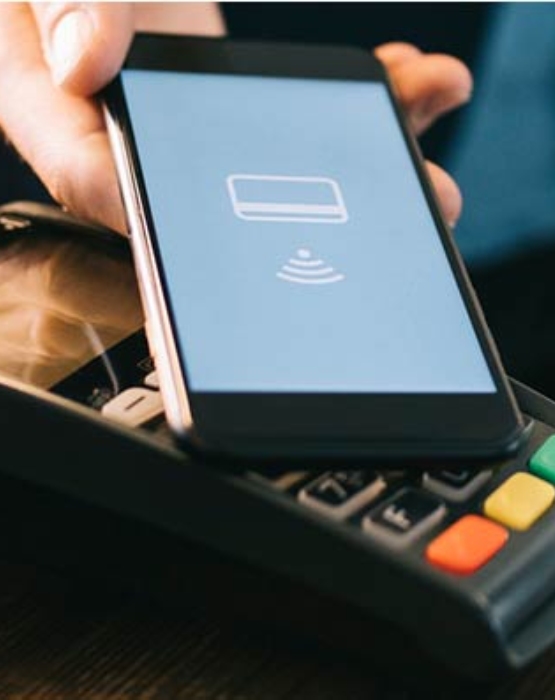
Visa + Summer Pay is Here.

Simple to Set up. Simple to Pay
- Make sure your compatible Samsung device* is updated with Samsung Pay.
- Take a picture of your First Financial Visa Platinum or Visa debit card with your Visa device's camera
- Secure it with your fingerprint and backup PIN, and you'll be ready to go

Our Best Security, Built-In
Samsung Pay transactions are authorized with your fingerprint and use a digital identifier instead of your card number. And even if your phone is compromised, Samsung Knox technology encrypts your card info within a separate, secure data vault.

Convenience and Coverage
Samsung Pay makes paying with your phone fast, easy and convenient. Plus, it works almost anywhere you can swipe or tap to pay.* See a full list of Samsung Pay merchants at samsung.com/pay
Accepted at merchants where you see both of these icons:

Get the great features, rewards and benefits of your First Financial Visa Platinum or Visa debit card with Samsung Pay.
*Available on Galaxy S7, Galaxy S7 edge, Galaxy S7 active, Galaxy S6, Galaxy S6 edge, Galaxy S6 edge+, Galaxy S6 active, Galaxy Note5 and other select Samsung devices, most major carriers and supported cards. See samsung.com/pay for complete list and contact your bank or financial institution to verify supported cards.